Before you start
When your account is ready, Fence Branders sends you your company's FastQuote link, a username and a password. Keep them handy.
FastQuote shows your business name and logo from your company profile in your CRM. Tell us if either needs to change.
Sign in
- Open your FastQuote link. Bookmark it on your computer, or add it to your phone's home screen.
- Enter your Username and Password.
- On your own phone or computer, leave Keep me signed in checked. You stay signed in on that device for 30 days. On a shared device, uncheck it and FastQuote signs you out after 8 hours.
- Click Sign in. You land on the Dashboard.
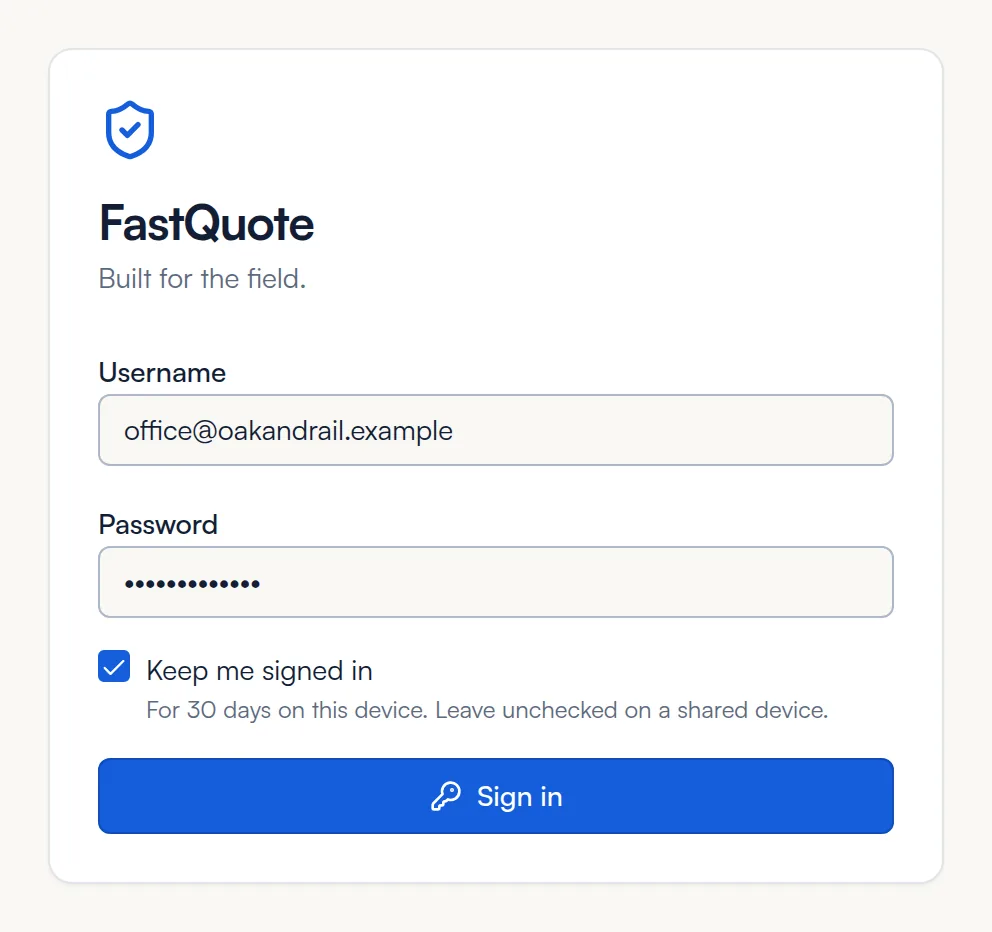
Locked out? After several wrong tries, sign-in pauses for up to 15 minutes. Wait, then try again, or contact us to reset your password.
Find your way around
The menu on the left takes you everywhere. The top bar shows the page you are on, who is signed in and Sign out.
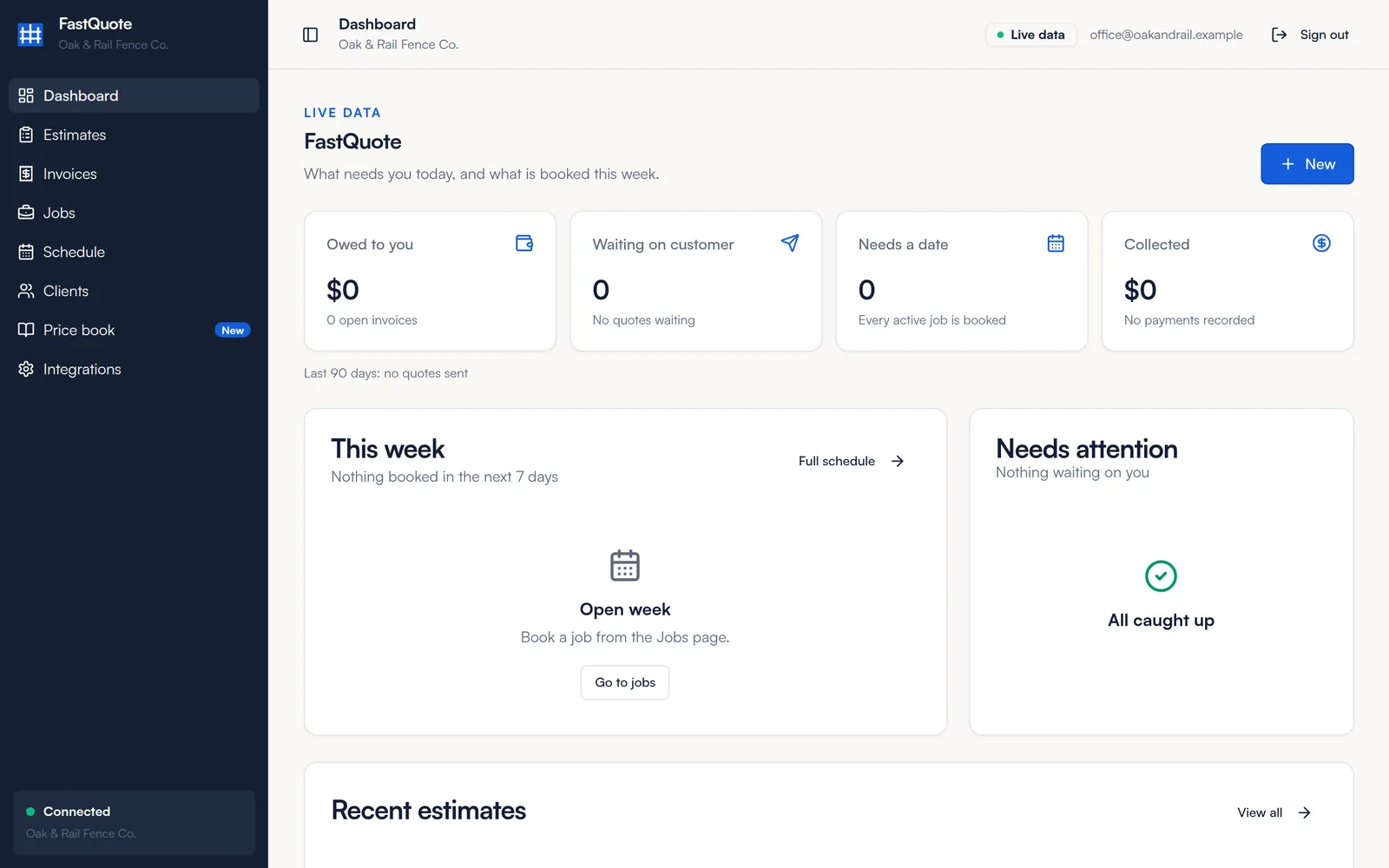
- Dashboard
- What needs you today: money owed, quotes waiting on the customer, jobs that need a date, and what is booked this week.
- Estimates
- Build, send and track proposals.
- Invoices
- Bill customers and record what they pay.
- Jobs
- Signed work, from the job board to materials and job cost.
- Schedule
- Book jobs and see your week.
- Clients
- Your customers. The list stays in sync with your CRM.
- Price book
- Your fence styles, upgrades and saved items.
- Integrations
- Your connection, business details and customer pricing.
Click the panel icon at the top left to shrink the menu to icons and give the page more room. Click it again to bring the menu back.
Status lights
A green dot next to Connected at the bottom of the menu and Live data in the top bar means FastQuote is up to date with your CRM. If either says Offline, refresh the page. If it stays offline, contact us.
Use FastQuote on your phone
FastQuote runs in your phone's web browser, so there is nothing to download from an app store. Add it to your home screen and it opens like an app.
- Open your FastQuote link in Safari on iPhone, or Chrome on Android.
- On iPhone, tap Share, then Add to Home Screen. On Android, tap the menu, then Add to Home screen or Install app.
- Open FastQuote from the new icon.
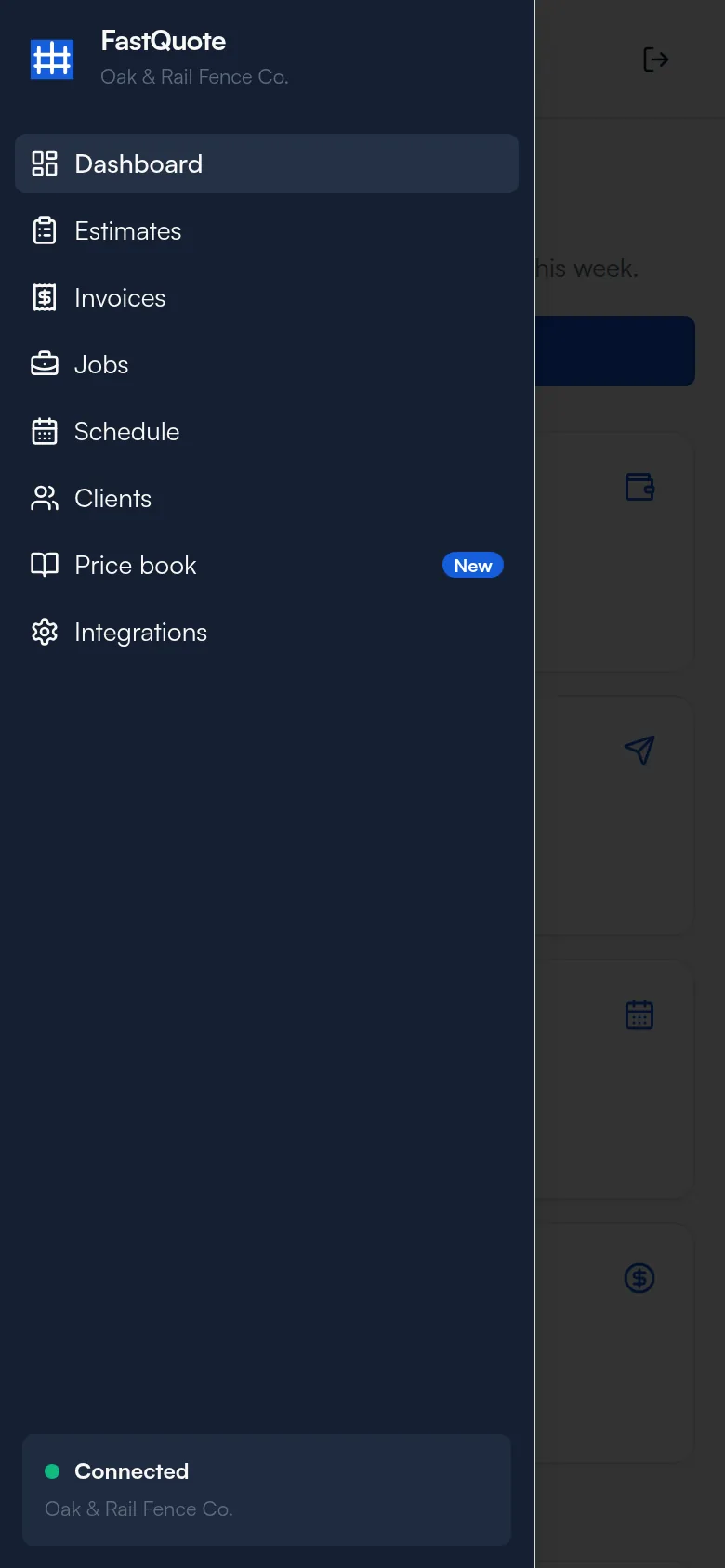
On a phone, tap the panel icon at the top left to open the menu.
Set up in this order
Most companies are ready to send their first estimate in under an hour.
- Turn on your fence styles
Open Price book and enter your costs for the styles you sell. The fence calculator appears once one style is on. How to turn on a style
- Add your saved items
Add the extras you quote often, like travel, tear out or a permit. How to add saved items
- Check your clients
Open Clients and make sure your customers came across from your CRM. About clients
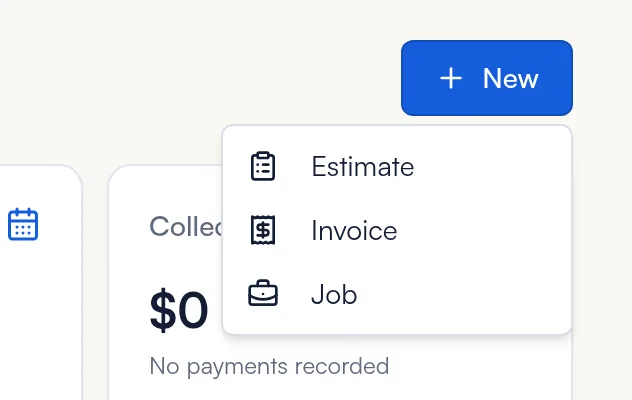
- Start your first estimate
On the Dashboard, click New, then Estimate. How to build an estimate
No price book yet? You can still send an estimate today. Manual line items and saved items work without any setup.
Sign out
Click Sign out at the top right. On a phone, tap the sign-out icon at the top right. Always sign out when you finish on a shared device.
Common questions
I forgot my password. How do I reset it?
Email info@fencebranders.com or call (404) 530-9535 and we will reset it for you. There is no reset link on the sign-in screen.
Can more than one person at my company use FastQuote?
Yes. Your whole team works from the same clients, price book and jobs. Contact us to add someone or change who can sign in.
Do I still use my CRM?
Yes. FastQuote works alongside your CRM and your clients stay in sync, so you can keep using your CRM for calls, texts and follow-up.
The page says Offline. What do I do?
Refresh the page and check your internet connection. If it still says Offline, contact us and we will check your connection.
Which devices work?
Any recent phone, tablet or computer with Chrome, Safari or Edge.
Still stuck? We are happy to walk you through it.